10 Best color palette tools for designers and marketers (2026)
TABLE OF CONTENTS
TL;DR: Coolors is the fastest general-purpose palette generator. Adobe Color is the strongest for color theory and accessibility checking. Color Hunt is the best for curated inspiration. Khroma and Colormind are the top AI-powered picks. The rest of this list covers specialized needs: marketers, web developers, and gradient-heavy work. Pick by use case, not popularity.
Color drives brand recognition more than most teams realize. Research from the University of Loyola Maryland found that color increases brand recognition by up to 80%. That's a meaningful reason to spend 20 minutes picking the right palette.
The catch: most "best color palette tools" articles list 20 options with identical descriptions, which is worse than listing none. Every tool on this list does something specific better than the alternatives. The job is matching the tool to the task.
We use most of these at ManyPixels, where our designers pick palettes for client brands every day. Here's what's actually worth your time in 2026.
1. Coolors: the fastest general-purpose palette generator
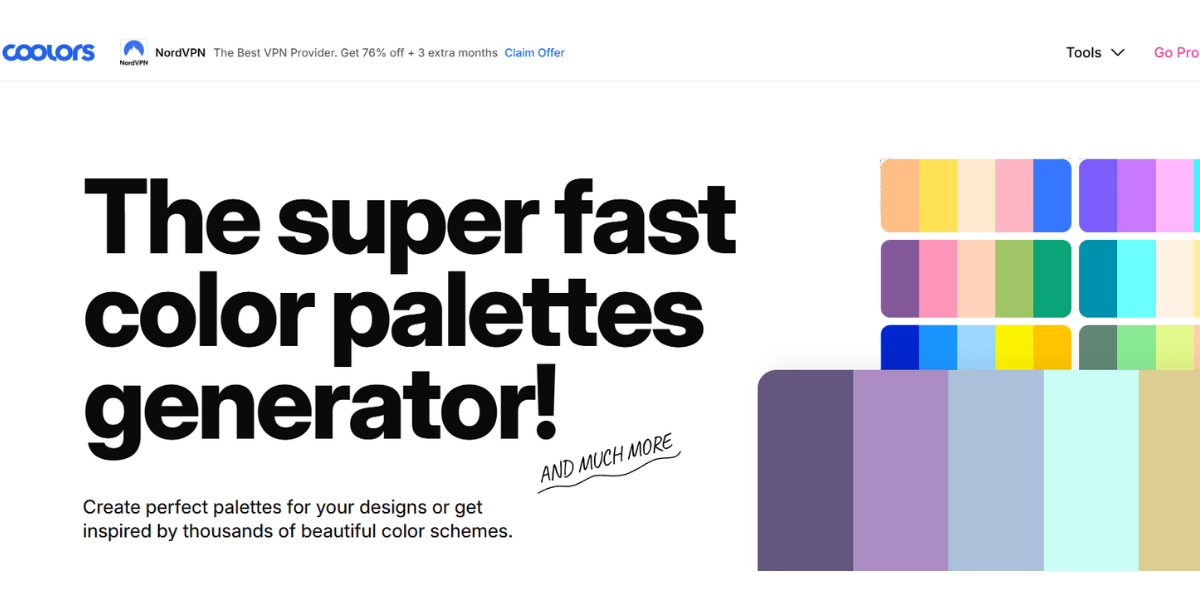
Coolors is the tool most designers default to, and for good reason. Press the spacebar to generate a new palette. Lock colors you like, keep pressing spacebar until the rest fit. It's the single fastest workflow in the category.
The pro features are genuinely useful: contrast checking, palette export to Figma and Adobe, and a browser extension that extracts palettes from any image. The free tier covers most needs.
Best for: ✅ Designers who need a palette in under five minutes
Not ideal for: ❌ Teams that want heavy color theory controls or harmony rules
2. Adobe Color: the strongest for color theory and accessibility
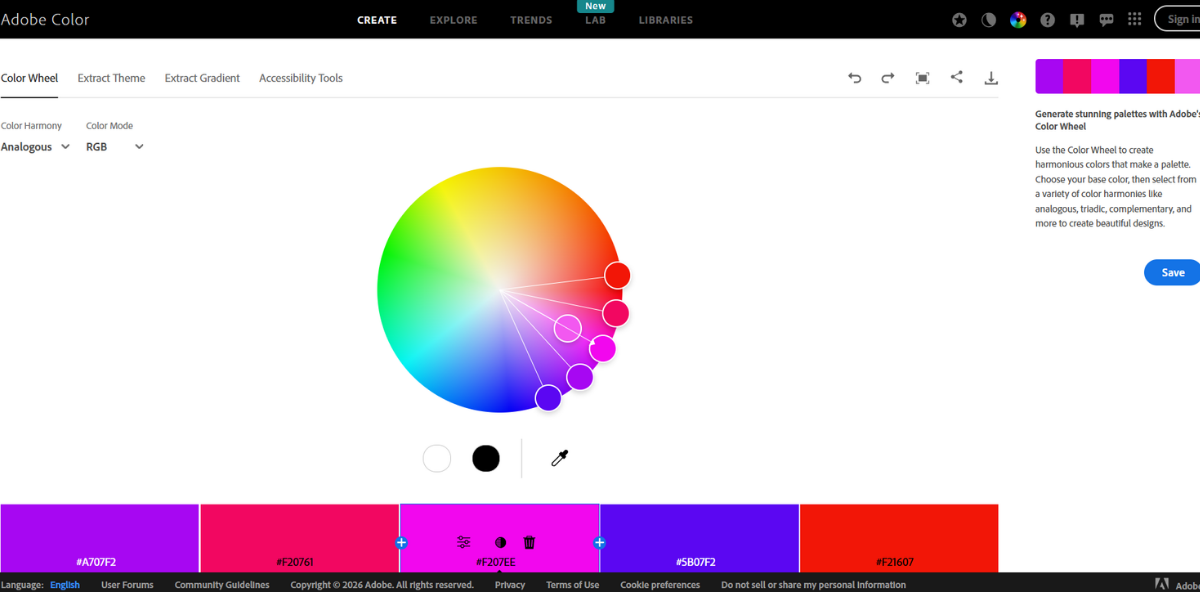
Adobe Color is the tool to reach for when you need precision. The color wheel lets you apply classic harmony rules (analogous, complementary, triadic, split-complementary) that most generators skip. The accessibility tools are the best in the category: WCAG contrast checking and a colorblind safety simulator built in.
If you use any Adobe Creative Cloud app, palettes sync directly into your libraries. If you don't, the web version still works fine without a paid plan.
Best for: ✅ Adobe Creative Cloud users, accessibility-conscious teams, color theory work
Not ideal for: ❌ Fast random generation (it's built for intentional choices)
3. Color Hunt: the best source of curated palette inspiration
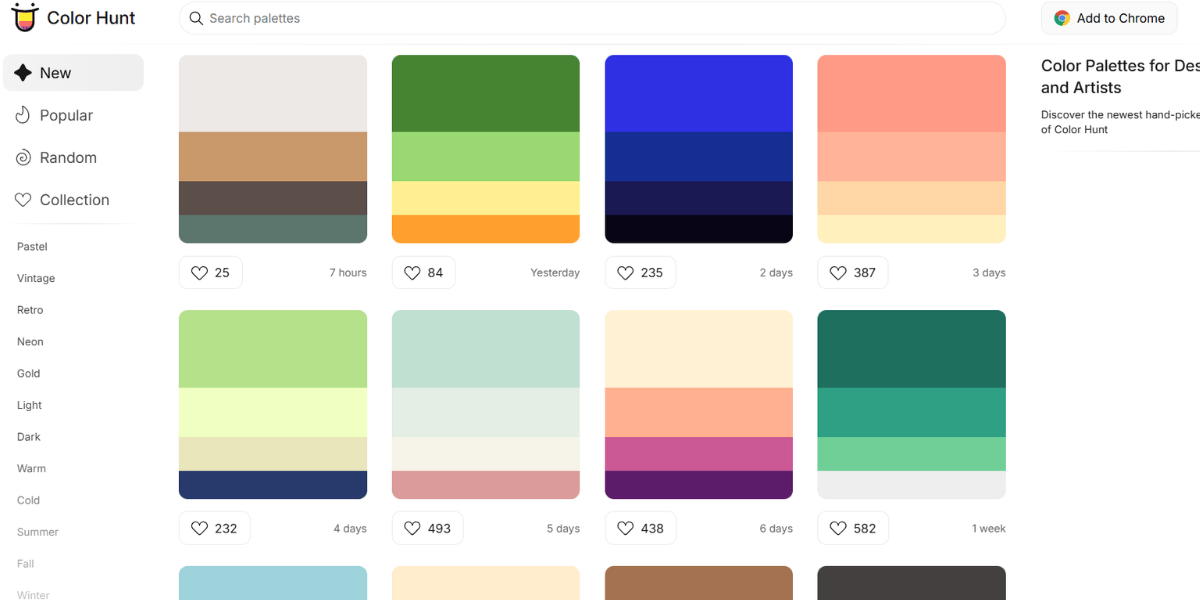
Color Hunt is not a generator. It's a curated library of palettes submitted by designers, sorted by popularity and tag. When you need inspiration for a specific mood (pastel, vintage, neon, earth tones), this is the fastest way to find a starting point.
The quality bar is higher than free palette marketplaces. Most submissions are ranked and voted on before they surface.
Best for: ✅ Mood-based inspiration, pulling ideas before brand work
Not ideal for: ❌ Custom palette generation or contrast checking
4. Khroma: the best AI-powered palette tool
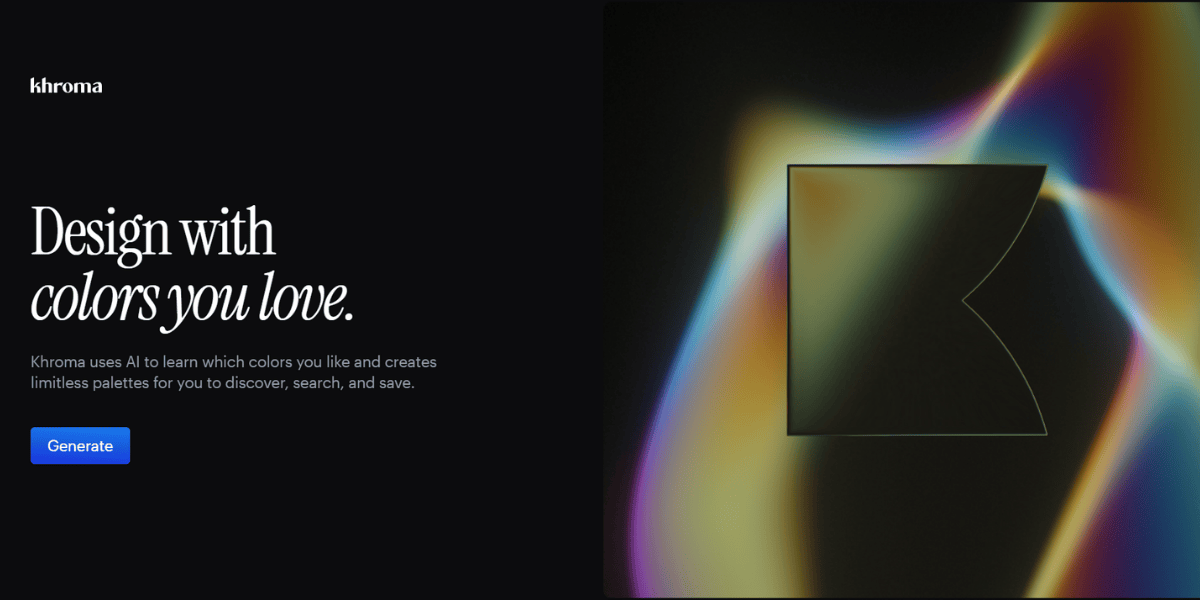
Khroma trains on 50 colors you select upfront. After that, it generates only palettes and color combinations built from your preferences. It's the closest thing to a personal assistant for color discovery.
The interface shows generated palettes layered over sample UI, gradient, and typography previews, which makes it much easier to judge a palette in context than in a bare swatch view.
Best for: ✅ Designers who want AI-filtered suggestions aligned to their taste
Not ideal for: ❌ Quick one-off work (the setup takes 5 to 10 minutes)
5. Paletton: the best tool for color harmony and relationships
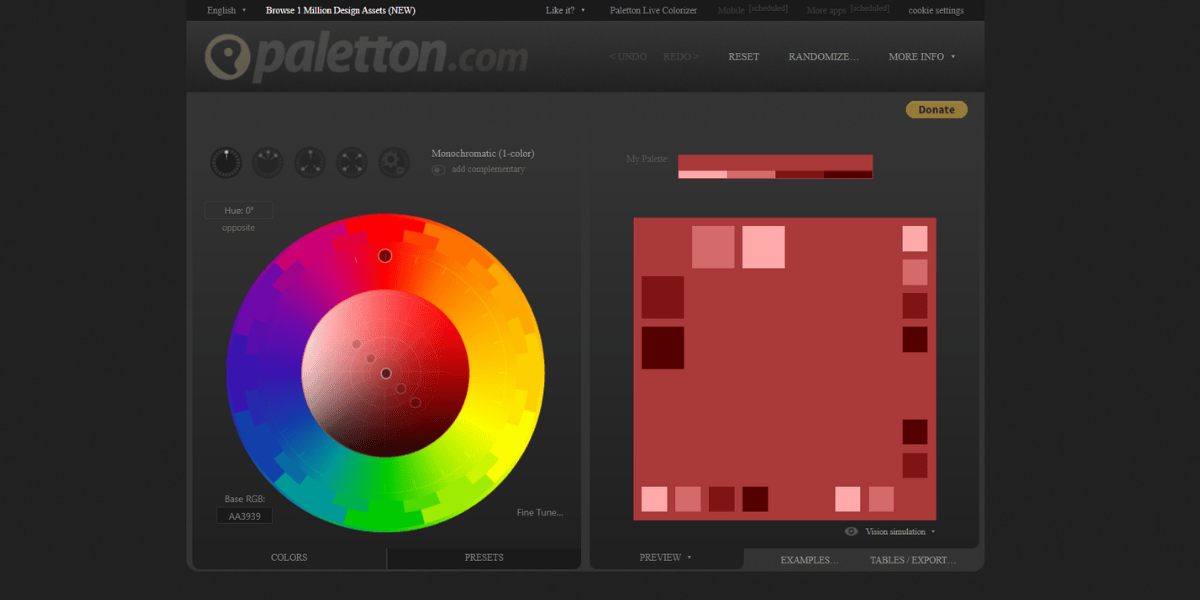
Paletton is built around the color wheel. Pick a base color and it shows you monochromatic, adjacent, triadic, tetrad, and free-form harmonies in real time, with a live preview that applies the palette to example web layouts.
The interface looks dated but the logic is solid. For anyone still learning color theory, it's a useful training tool.
Best for: ✅ Web designers, students learning color relationships
Not ideal for: ❌ Teams that want modern UI and quick export options
6. Canva Color Palette Generator: the best for marketers and non-designers
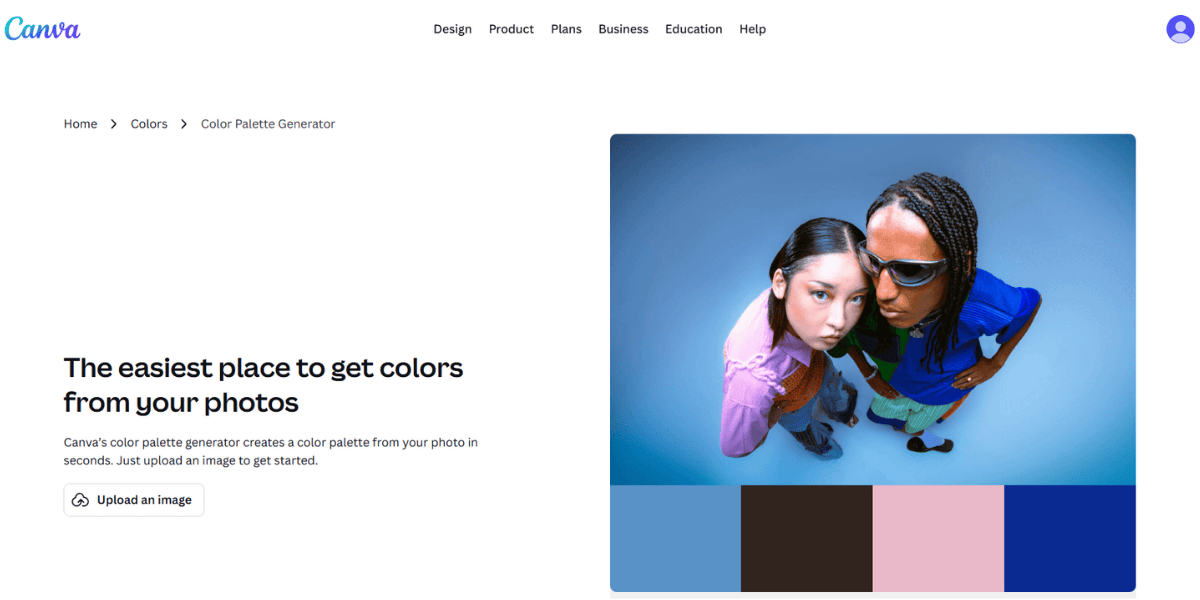
Canva's generator does one thing well: upload an image, get a five-color palette out. No account required, no complexity. For marketing teams that need brand-aligned colors for social graphics without a designer in the loop, it's the lowest-friction option on this list.
You can save palettes to your Canva account and apply them across templates, which closes the loop on the usual "I picked colors but can't find them again" problem.
Best for: ✅ Marketers, non-designers, Canva workflow users
Not ideal for: ❌ Serious color work or accessibility-first projects
{{CANVA_BANNER="/dev/components"}}
7. ColorSpace: the best for gradients and web output
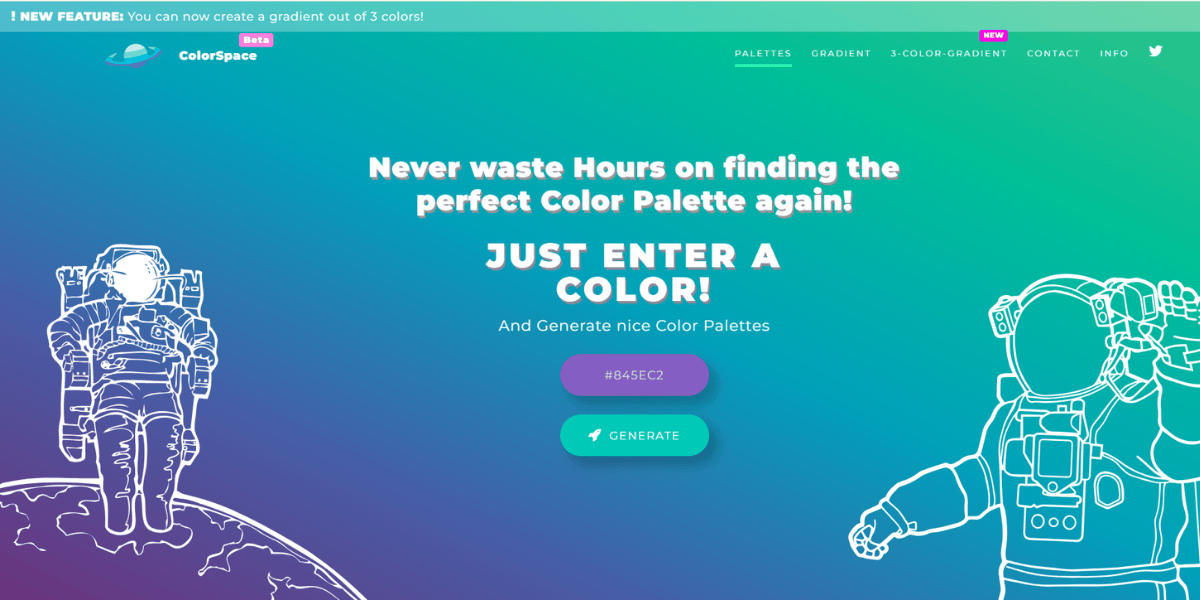
ColorSpace generates palettes and gradients from a single base color, with clean CSS output ready to paste into a stylesheet. The gradient collection is the biggest differentiator: dozens of styles, each with ready-to-copy CSS code.
Front-end developers who want palette and gradient options in one place will get more out of this than any general-purpose generator.
Best for: ✅ Web developers, CSS-focused workflows, gradient-heavy design
Not ideal for: ❌ Print work or palette discovery from scratch
8. Muzli Colors: the best clean UI for quick palette building
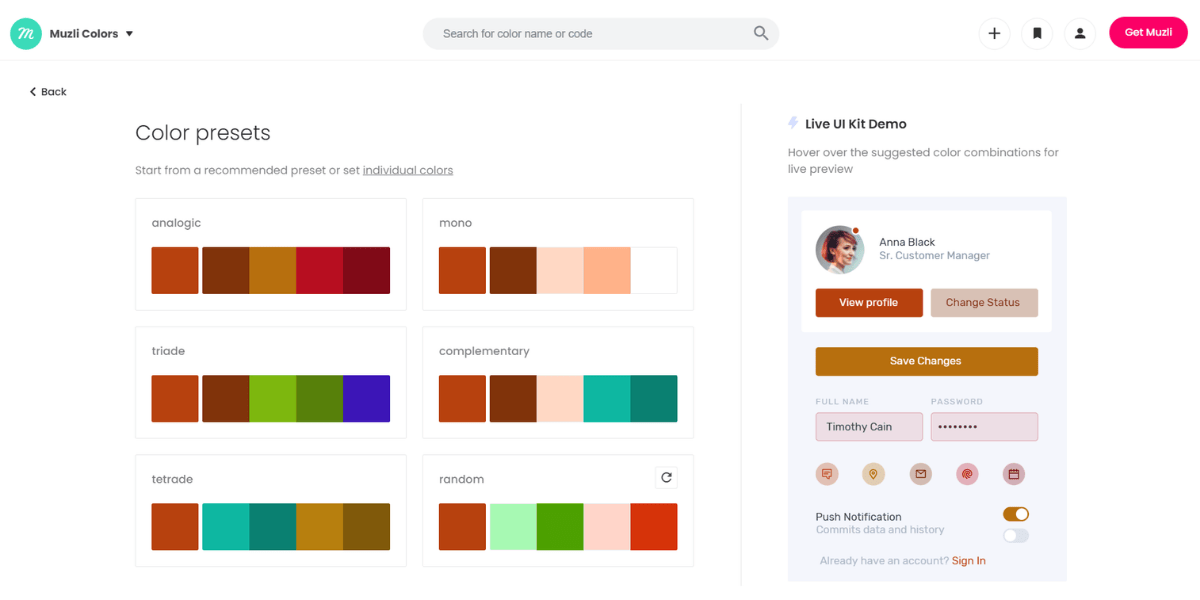
Muzli Colors, from InVision's Muzli extension, generates palettes with a very modern interface and shows you preview applications across web UI components. It's fast, minimal, and exports in one click.
Worth knowing: the feature set is narrower than Coolors, but the UI is cleaner and less cluttered. If visual polish in your tools matters to you, this is the one.
Best for: ✅ Designers who prefer minimal interfaces and modern UX
Not ideal for: ❌ Advanced color theory or accessibility workflows
9. Palettable: the best swipe-based palette discovery
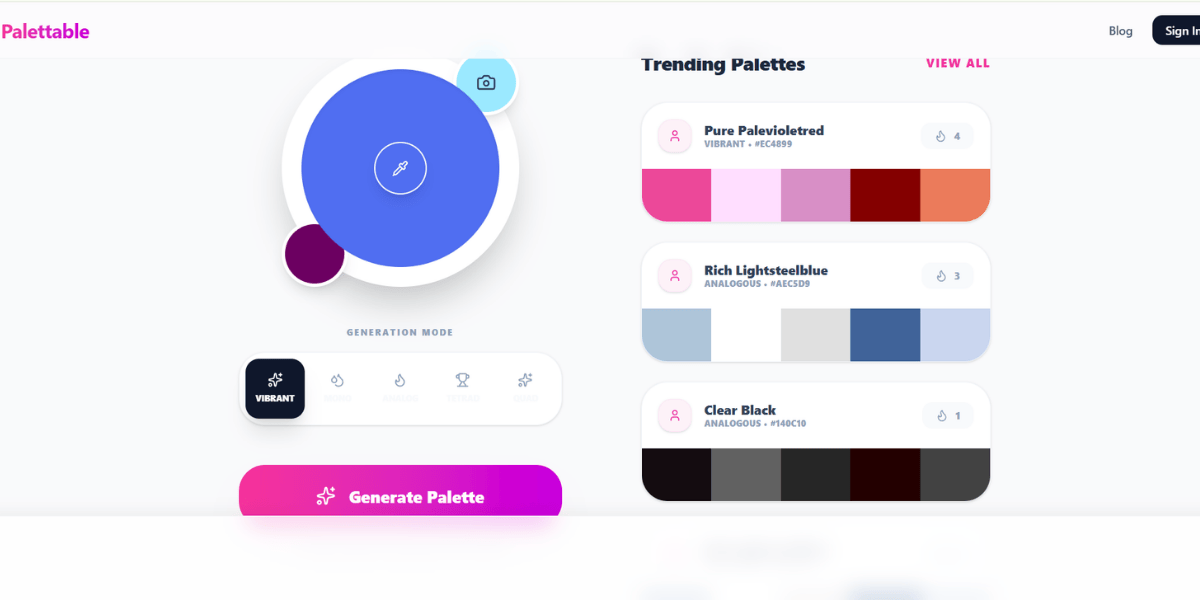
Palettable works like Tinder for colors. You're shown one color at a time and swipe "like" or "dislike." The algorithm builds a palette based on your choices. It sounds gimmicky. It works surprisingly well when you don't know what you want.
Better for exploration than for production work. Most designers use it as a starting point, then refine in Coolors or Adobe Color.
Best for: ✅ Early-stage exploration, designers without a clear direction
Not ideal for: ❌ Production workflows or team collaboration
10. Colormind: the best for extracting palettes from images
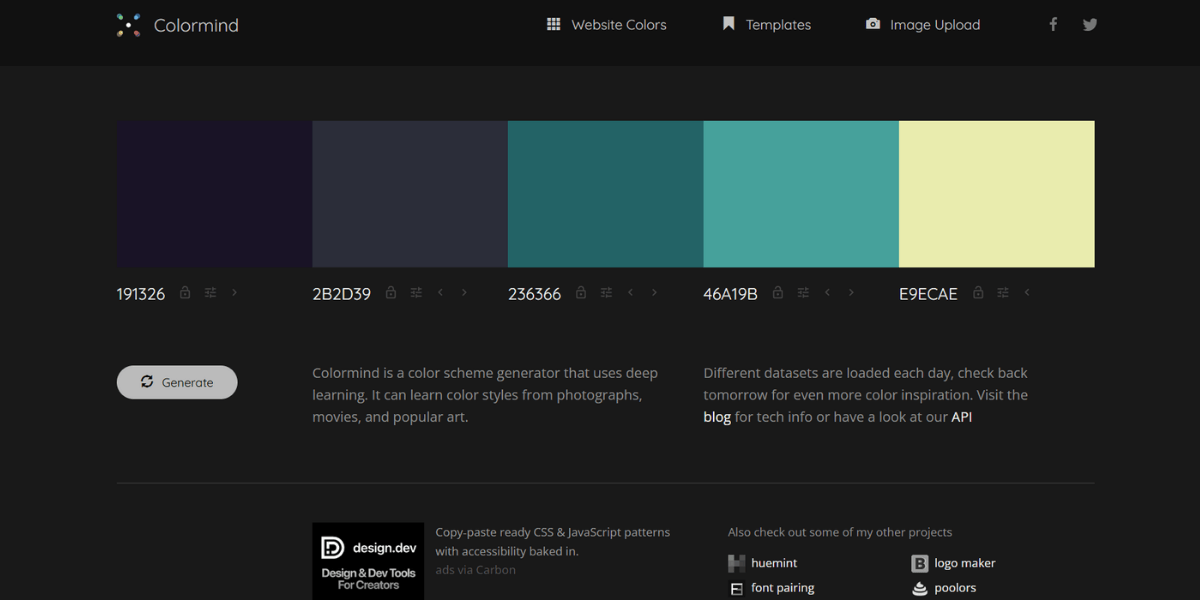
Colormind uses deep learning models trained on photography, films, and art to generate palettes. The standout feature is image extraction: upload a photo or design reference, get a palette pulled from its dominant colors. Adobe Color does this too, but Colormind's AI often returns cleaner, more usable results.
Also useful: the "generate based on context" option, which creates palettes that feel appropriate for specific use cases (a game interface, a movie poster, a website).
Best for: ✅ Image-based palette extraction, AI-generated suggestions
Not ideal for: ❌ Teams that need traditional color wheel controls
How to choose the right color palette tool
A quick decision framework:
If you need a palette fast and aren't picky, 👉 use Coolors.
If accessibility and color theory matter, use Adobe Color. Nothing else on this list handles WCAG checks as well.
If you're looking for inspiration before starting, browse Color Hunt.
If you have a reference image, use Colormind or Canva's generator. Skip manual eyedropping.
If you're a marketer without design experience, stick with Canva. It closes the loop from palette to finished asset.
If you're building for the web, ColorSpace saves time on gradients and CSS.
The palette is only the start
Picking a palette takes 20 minutes. Applying it consistently across social graphics, ads, landing pages, and presentations is where brand work actually lives. That part is where most teams underestimate the workload.
If you're building a brand from scratch or fixing an inconsistent one, a design subscription service gives you a dedicated designer who owns your palette and applies it across every asset. No re-briefing vendors on your brand colors. No palette drift across campaigns.
{{GRAPHIC_BANNER="/dev/components"}}
Frequently asked questions
What is the best free color palette tool?
Coolors is the best free tool for generating palettes from scratch. Color Hunt is the best for browsing curated inspiration. Adobe Color is the best free option for accessibility and color theory work. Most palette tools are free at the core feature level, so there's rarely a reason to pay.
What color palette tool do professional designers use?
Coolors and Adobe Color are the two most common tools among working designers. Coolors wins on speed, Adobe Color on depth. Many designers use both: Coolors to generate options quickly, then Adobe Color to validate accessibility and refine harmony.
How do I create a color palette from an image?
Upload your image to Colormind, Adobe Color, or Canva's Color Palette Generator. All three extract dominant colors and return a 5-color palette. Colormind's AI-powered extraction usually returns the cleanest results for photos with complex lighting.
What's the difference between a color palette and a gradient?
A palette is a set of distinct flat colors used together across a brand or design system. A gradient is a smooth transition between two or more colors. ColorSpace generates both from a single base color, making it the best pick if you need them in one workflow.
Do color palette tools work for building a brand?
Yes, but a palette is only the starting point. A brand needs the palette applied consistently across logo, typography, web design, social assets, and marketing collateral. That application work is where most in-house teams struggle, regardless of how good the starting palette is.
Bottom line
For fast general-purpose generation, use Coolors. For accessibility and color theory, use Adobe Color. For inspiration, Color Hunt. For AI-based discovery, Khroma or Colormind. Everything else on this list solves a specific job better than any general-purpose tool.
The best tool is the one that matches the job you're actually doing, not the one with the most features.

Having lived and studied in London and Berlin, I'm back in native Serbia, working remotely and writing short stories and plays in my free time. With previous experience in the nonprofit sector, I'm currently writing about the universal language of good graphic design. I make mix CDs and my playlists are almost exclusively 1960s.

Top-quality designers
A complete creative team at your fingertips: graphic and web designers, illustrators, and more.

Lightning-fast turnaround
Get start today and receive your first update on the next business day.

All-inclusive pricing
Unlimited requests and revisions. One flat monthly fee. No surprises.

Flexible & scalable model
No contract. Scale up and down as needed. Pause or cancel at anytime.
Continue reading


Explore some of our best designs
Get inspired by a curated selection of ManyPixels work. Download the portfolio to see what our team can create.