10 Best Canva creators to follow for templates (2026)
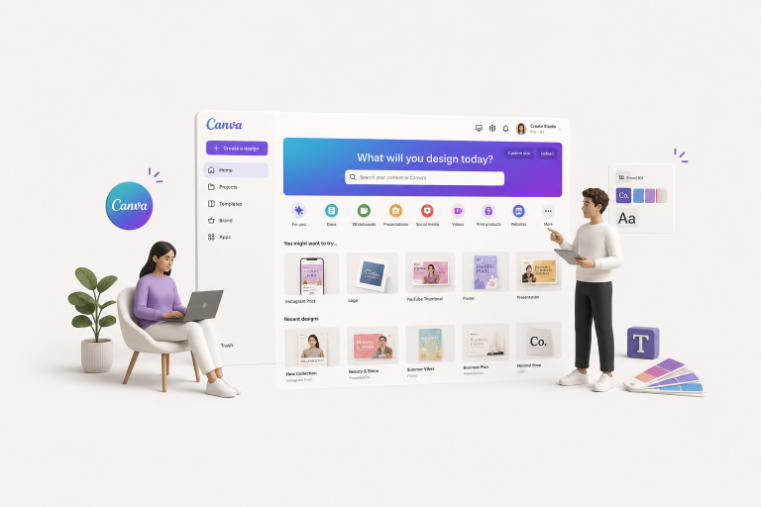
TABLE OF CONTENTS
TL;DR
A Canva Creator is a designer accepted into Canva's Creator program who publishes templates and elements to Canva's library. Following a handful of them is the fastest way to get consistent, on-brand designs without digging through millions of search results.
- ✅ Best all-rounder: Aleksandra Chubar (@alexahudec) for minimalist, editorial templates.
- ✅ Best for social media: My Social Designer (Roger Coles) and 9"IDEAS (Lina Kukulskė).
- ✅ Best for presentations and pitch decks: Zamora Design.
- ✅ Best for elegant, feminine, and seasonal work: Lucie Sindelkova and Take Care Creative.
- 👉 Want custom templates built for your brand instead of shared ones? That is a job for a Canva designer for hire, not a marketplace creator.
{{CANVA_BANNER="/dev/components"}}
Why follow Canva creators at all?
Canva has more than 135 million users and millions of templates. Search "Instagram post" and you will scroll forever. The problem is rarely finding a template. It is finding templates that look like they belong to the same brand, week after week.
That is what following creators solves. Each Canva Creator has a recognizable style, so once you find one whose work fits your brand, their whole library becomes a shortcut. Our designers work inside Canva every day across client accounts, and the creators below are the ones whose template libraries actually hold up for professional use, not just the ones with the flashiest thumbnails.
Here is the honest version: you do not need 50 creators. You need three or four whose style matches yours. This list is built to help you pick them.
What is a Canva Creator?
A Canva Creator is a designer accepted into Canva's Creator program who publishes templates, elements, and illustrations to Canva's library. They earn a royalty each time their work is used, exported, downloaded, or printed by a Canva user. Following one shows more of their designs on your Canva home page.
Creators fall into two broad groups. Some make full templates (a finished Instagram post or presentation you edit). Others make elements (illustrations, icons, and graphics that go inside templates). Plenty do both. The program has run since mid-2020 and now includes designers from all over the world, publishing in many languages.
How do you find and follow Canva creators?
To follow a Canva Creator, open one of their templates in Canva, click the three dots for template details, then click their name and hit the purple Follow button. Their new designs then surface on your home page and in the "Creators you follow" row on the Templates page.
Three practical ways to track them down:
- Search their name in Google. Most creators rank for "[their name] + Canva," which takes you straight to their profile.
- Use the template side panel. While editing, click the three dots on any template to see who made it, then view more from the same creator.
- Browse Collections. Creator profiles group templates into Collections by theme, season, or document type, so you can grab a cohesive set in one go.
1. Aleksandra Chubar (@alexahudec)
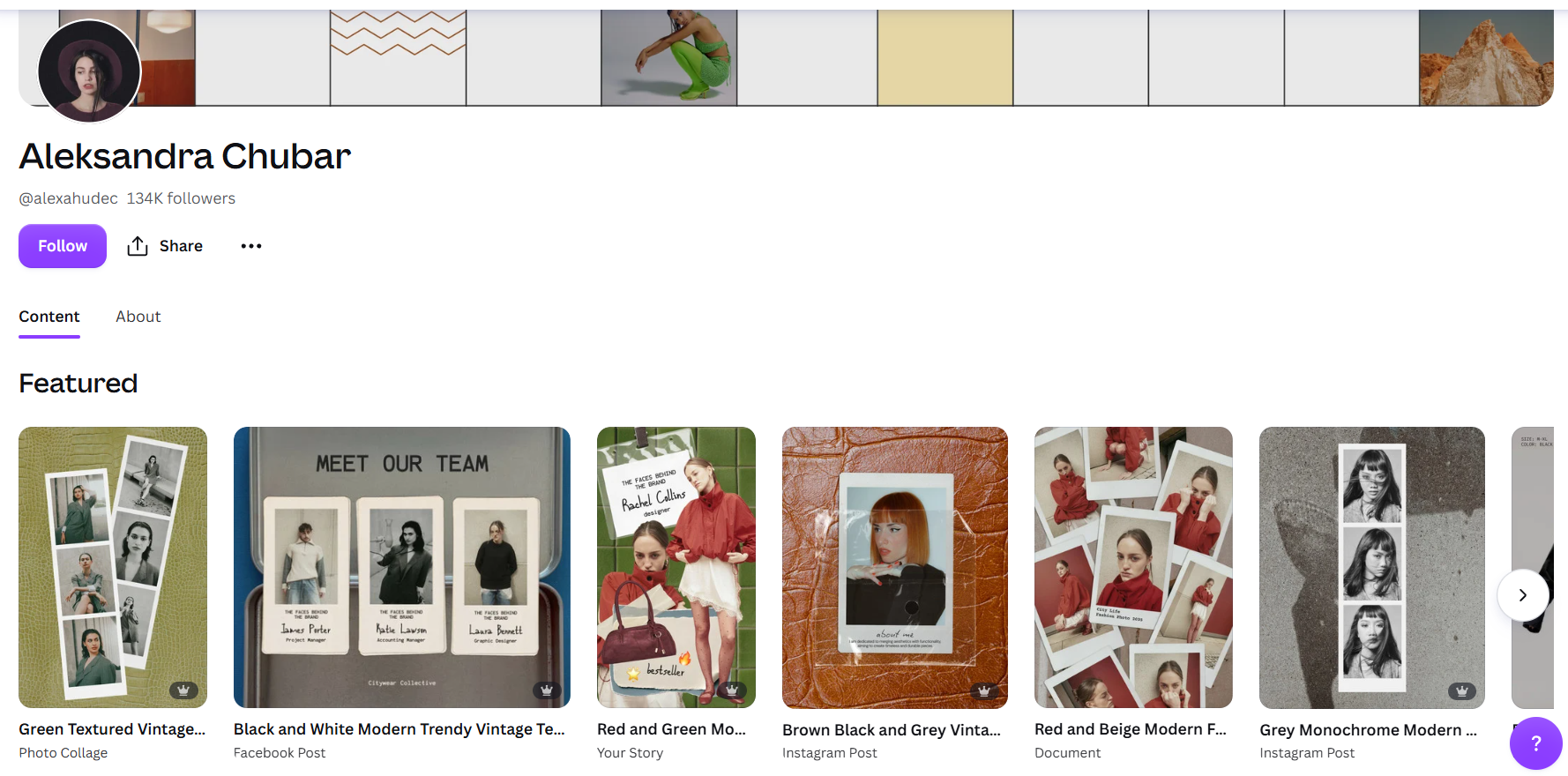
With 134K followers, Chubar is the creator we point people to first. Her templates are modern, minimalist, and photocentric: photo collages, calendars, mood boards, and editorial layouts in an earth-tone, vintage palette. They are elegant without being fussy, which makes them easy for non-designers to edit without wrecking the look.
Best for: brands that want a clean, editorial, on-trend feel. ✅
View Aleksandra Chubar's profile
2. Lucie Sindelkova (@luciesindelkova)
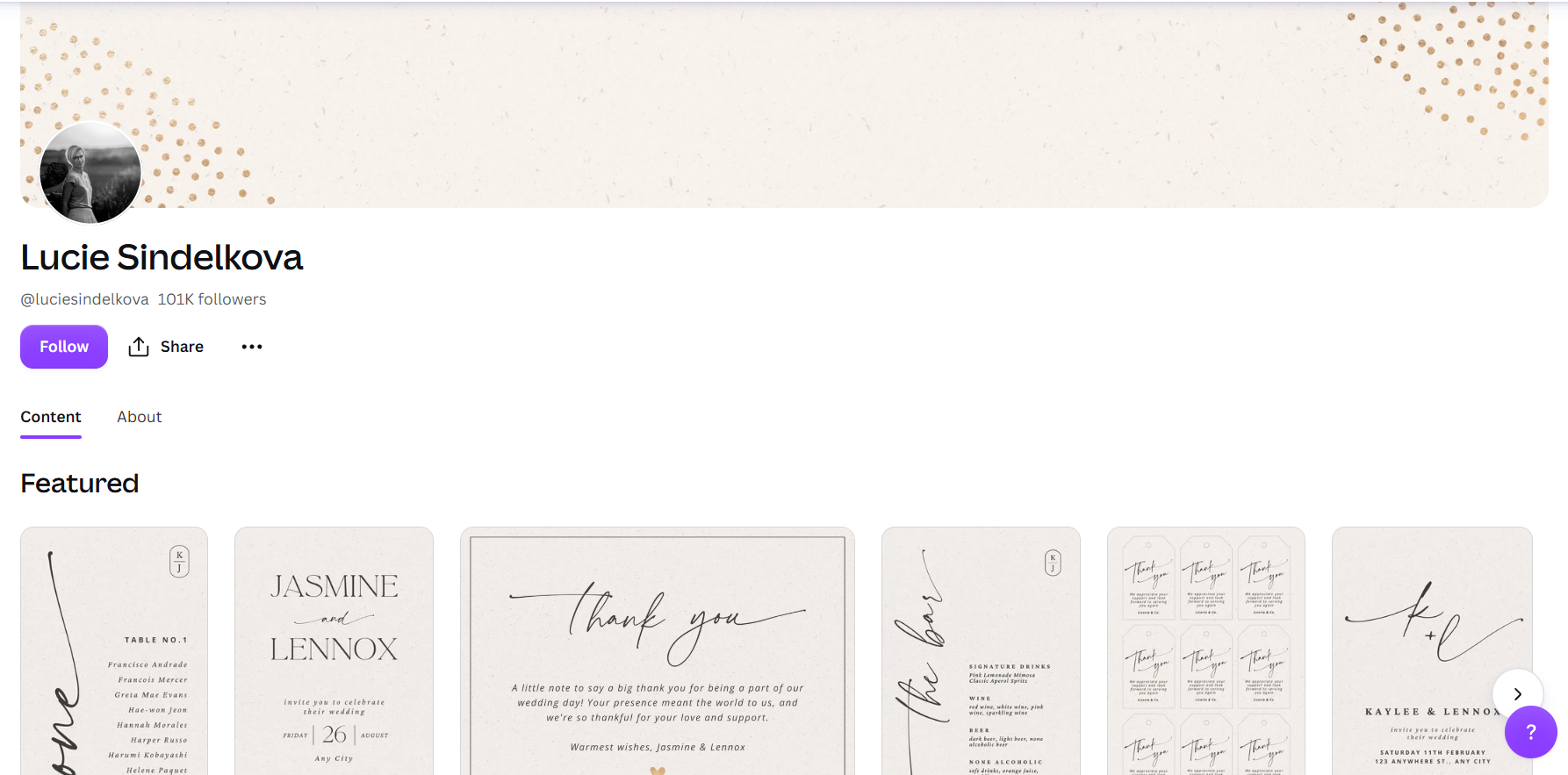
Sindelkova (101K followers) works in a classy, feminine style built around elegant color palettes, refined fonts, and her own illustrations. She is an element creator as well as a template creator, so her seasonal work (Christmas through Halloween) tends to feel custom rather than generic.
Best for: weddings, beauty, lifestyle, and any brand with a soft, premium aesthetic. ✅
View Lucie Sindelkova's profile
3. Take Care Creative, Brigitta Ryan (@takecarecreative)
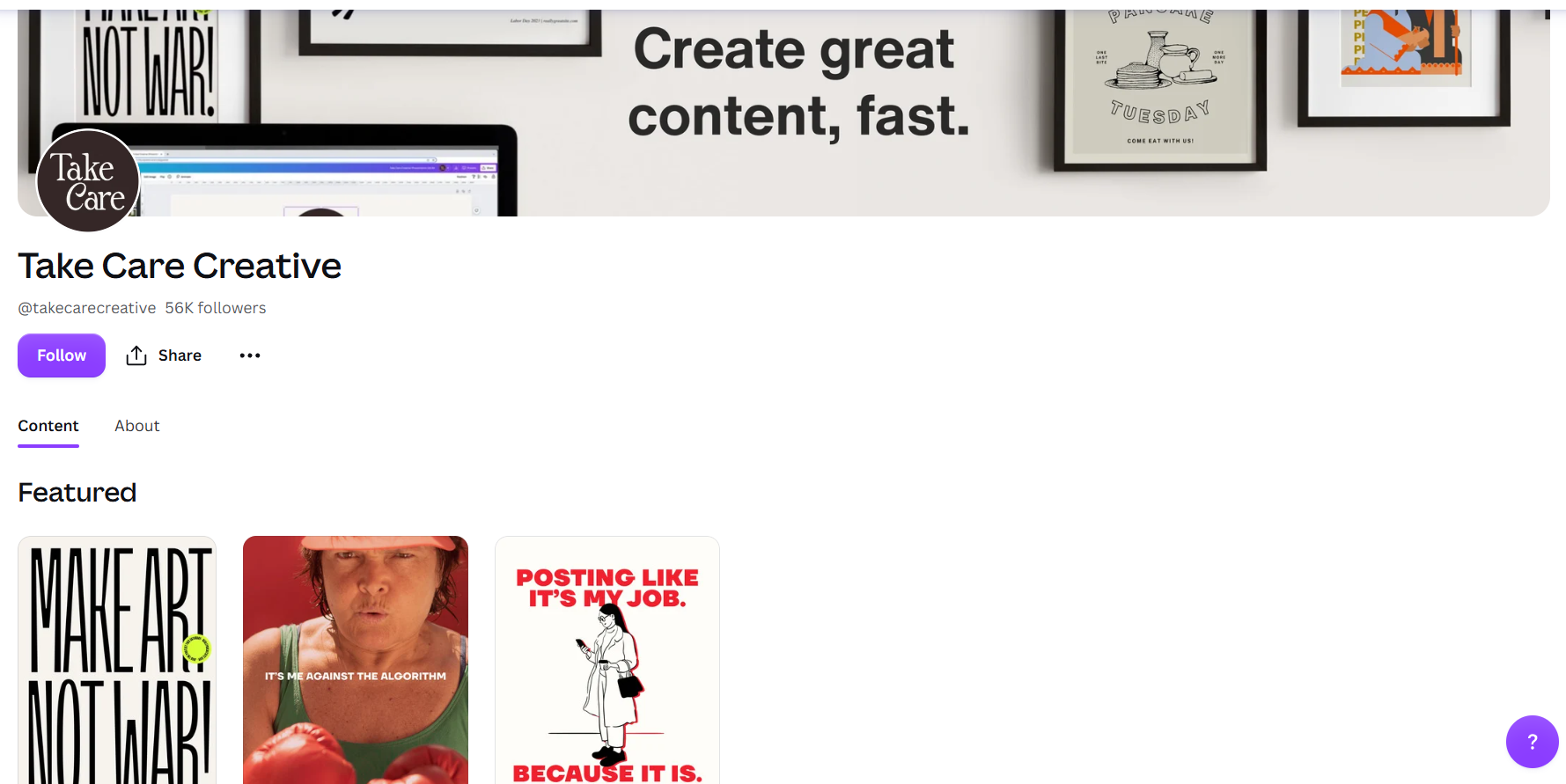
Ryan's profile (56K followers) is full of vibrant color and confident typography. She is strong on seasonal content, holidays, and celebrations across a wide range of industries, and her templates are built to be easy for non-designers to customize.
Best for: bold, colorful brands and busy seasonal calendars. ✅
View Take Care Creative's profile
4. 9"IDEAS, Lina Kukulskė (@9-inchideas)
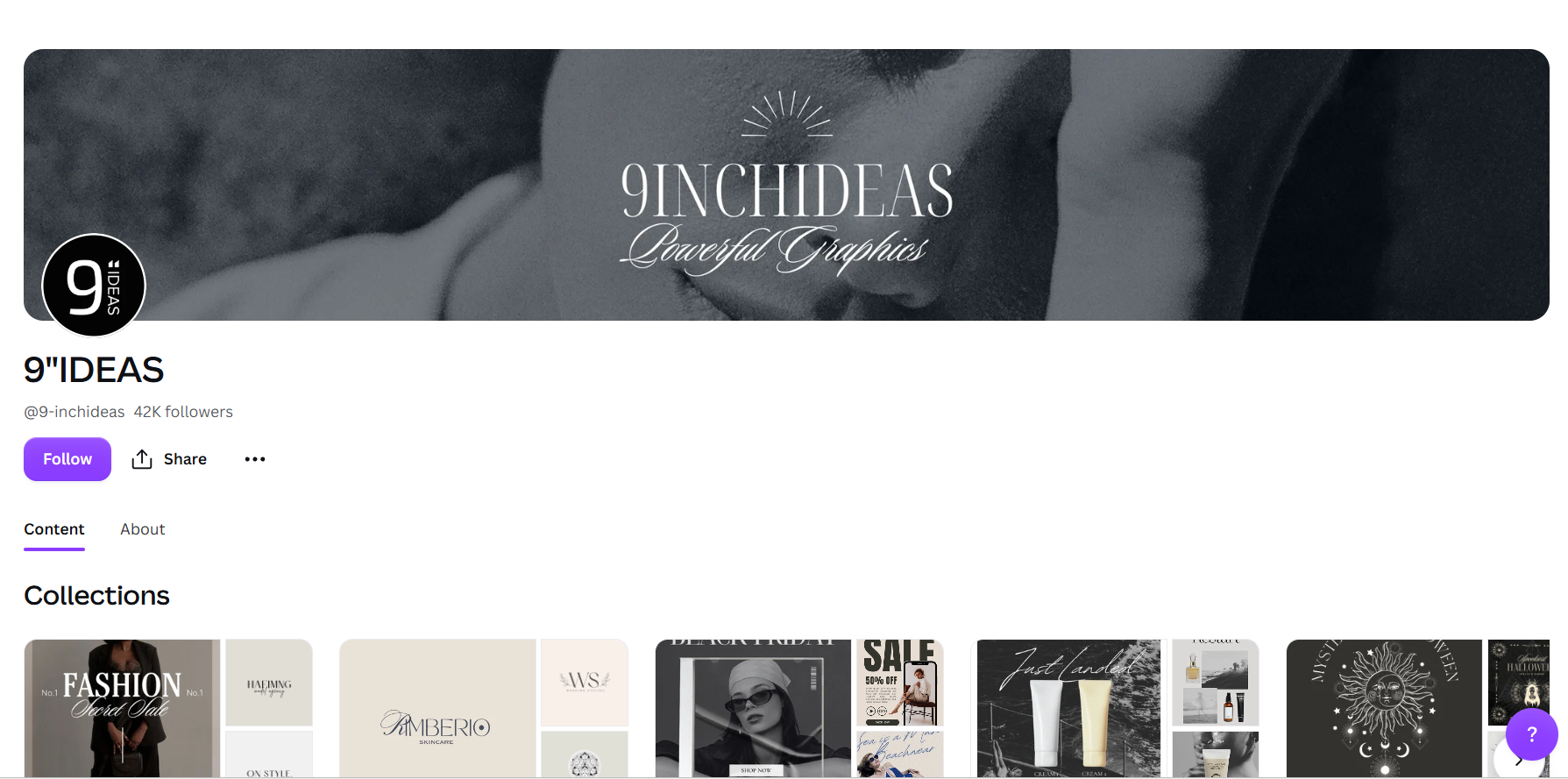
With 42K followers, 9"IDEAS brings versatility and a genuine sense of humor to social templates. Kukulskė is one of the better copywriters in the program, so her templates often ship with sharp placeholder copy that is half the work done for you. Expect trend-driven and seasonal social content.
Best for: social media managers who want personality, not just layout. ✅
5. My Social Designer, Roger Coles (@mysocialdesigner)
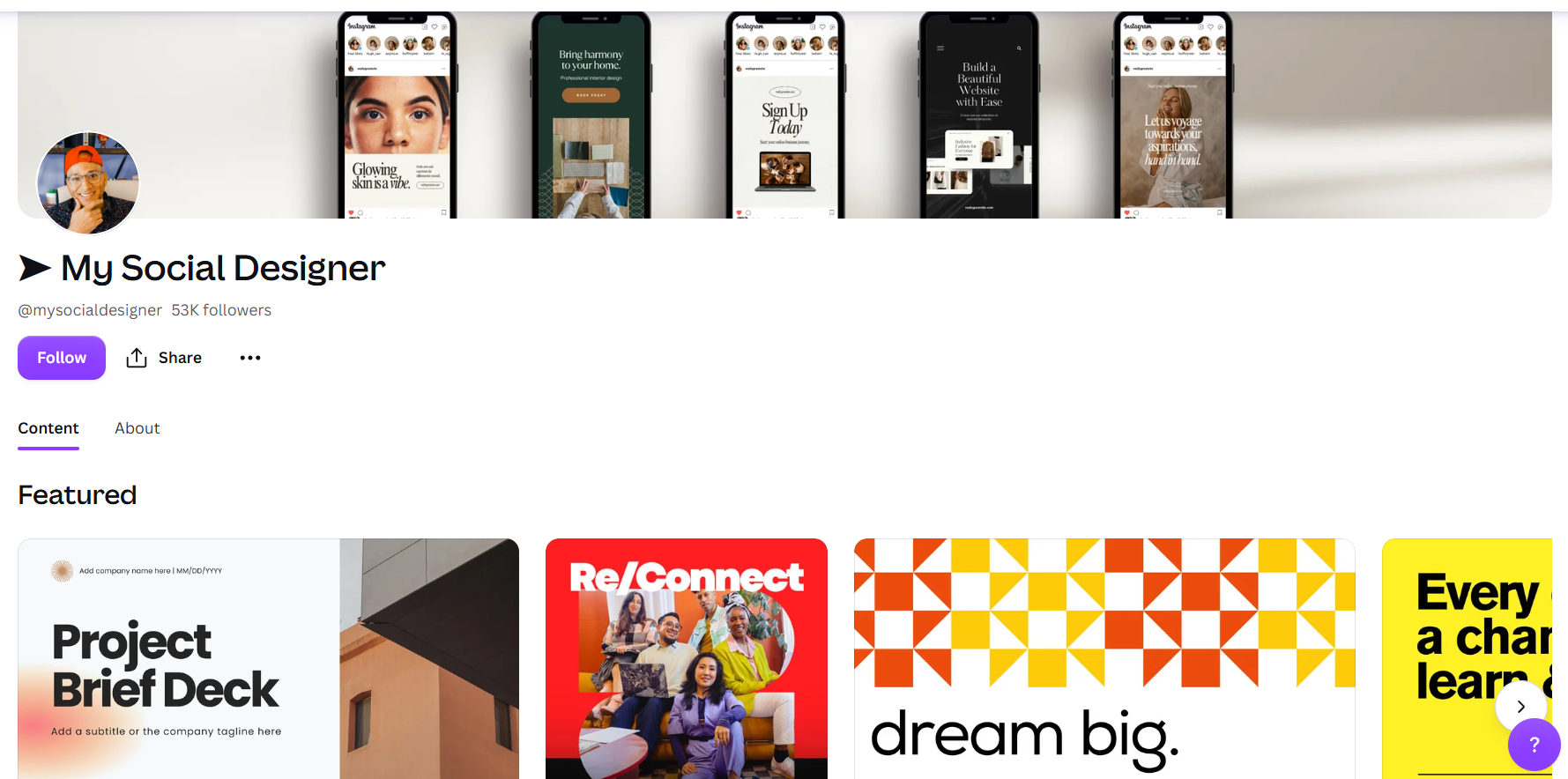
Coles is one of the best-known names in the program, a Canva Verified Expert whose voice has featured in Canva's own campaigns. As the name says, the focus is social media graphics, with standout typography and font pairings.
Best for: social-first brands that care about type. ✅
View My Social Designer's profile
6. So Swell Studio, Tanya LeClair (@soswellstudio)
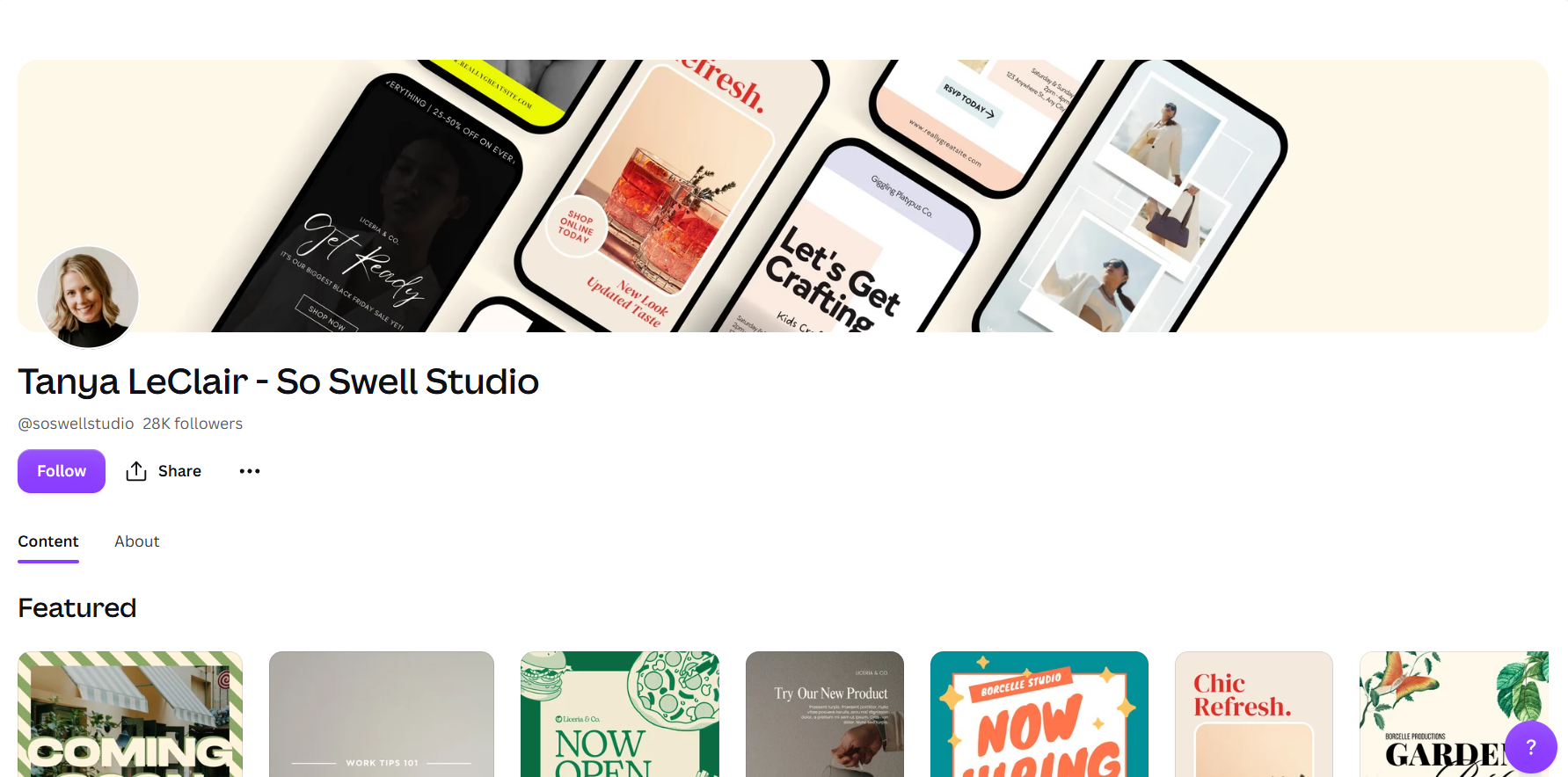
A Brisbane designer with 15+ years of experience, LeClair builds modern templates across social, posters, and presentations. Her real strength is Collections: cohesive sets that make it easy to keep a whole campaign looking like one piece.
Best for: teams that need a consistent look across many document types. ✅
View So Swell Studio's profile
7. Mookoo Design, Deborah Parker (@mookoodesign)
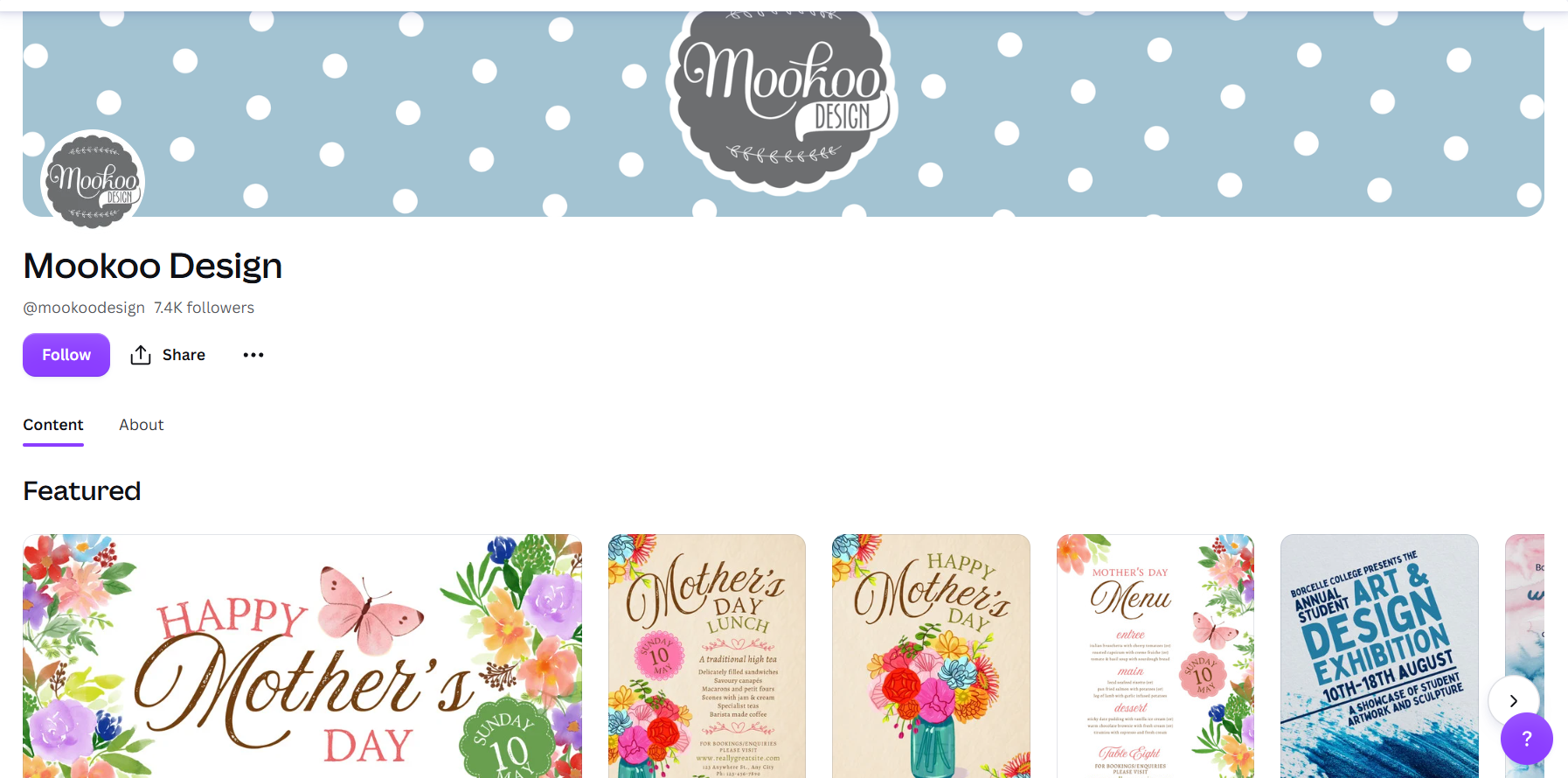
Parker has created templates and illustrated elements for Canva since 2022, with a fun, feminine vibe across invitations, menus, and social posts. Her background is illustration, so expect more custom elements from her over time, which is what gives her templates a hand-made edge.
Best for: events, hospitality, and anyone who wants an illustrated touch. ✅
8. Socially Sorted, Donna Moritz (@donnamoritz)
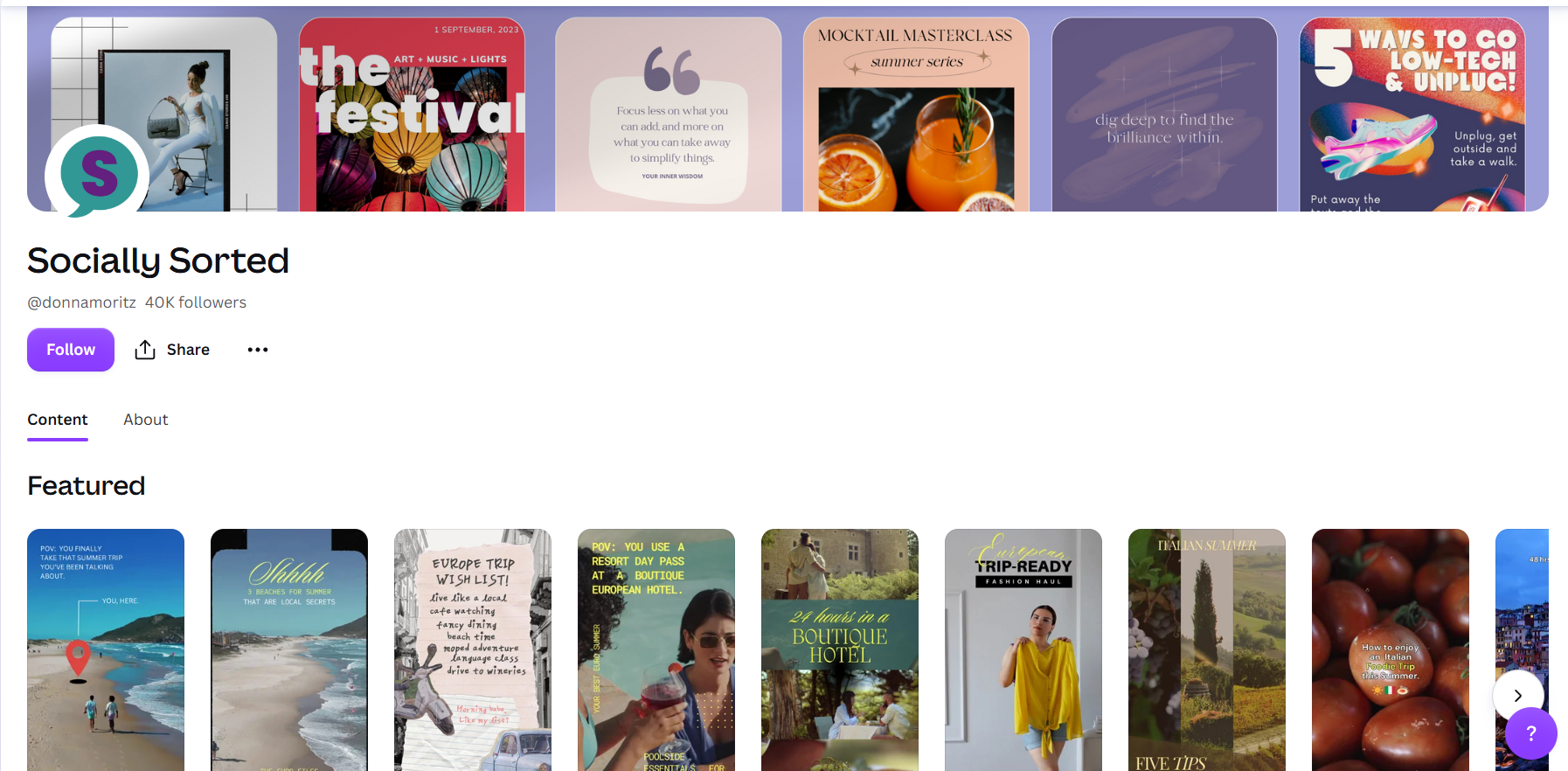
Moritz is a Canva "Super Creator" with one of the largest and broadest libraries in the program, spanning social, marketing, and seasonal templates. If you want a single creator who covers most of what a small marketing team needs, this is a safe follow.
Best for: small teams that want breadth from one reliable source. ✅
View Socially Sorted's profile
9. Freya Saad (@freyasocialcreative)
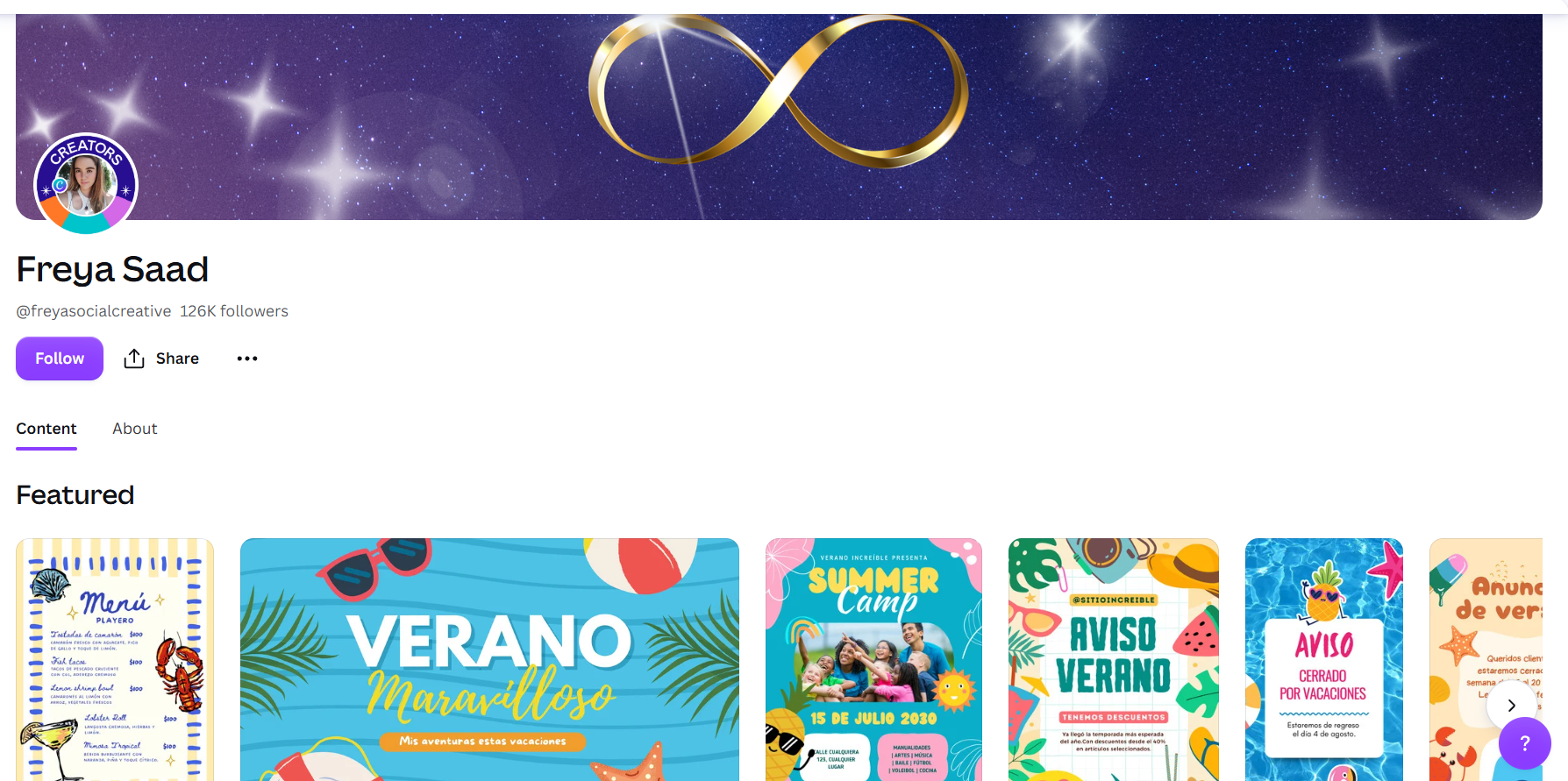
Infographics are the section of Canva most people struggle with, and Saad is the fix. Her templates cover timelines, data visualizations, and process graphics in clean, professional layouts, so you can turn a wall of numbers into something people actually read.
Best for: reports, educational content, and data-heavy posts. ✅
10. Zamora Design (@zamora-design)
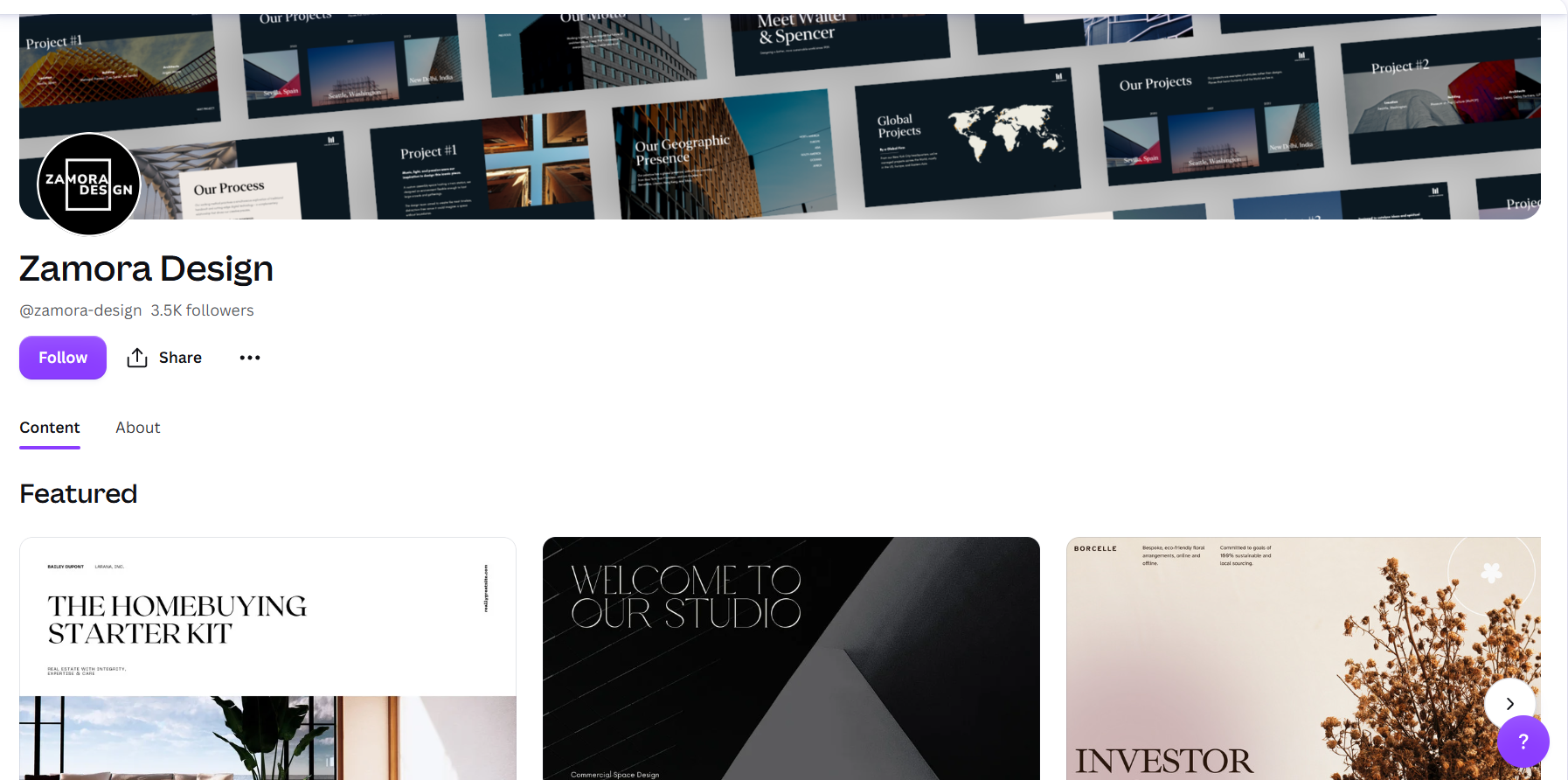
The one B2B pick on this list. Zamora Design is a San Francisco studio specializing in pitch decks and presentations, and it holds all three Canva certifications (Verified Expert, Agency Partner, and Enterprise Trainer). Its templates lean sophisticated and investor-ready, which is a gap most social-focused creators do not fill.
Best for: startups and teams building presentations and sales collateral. ✅
Canva creators vs. Canva designers for hire: what's the difference?
A Canva Creator makes templates for everyone in Canva's marketplace. A Canva designer you hire builds custom templates and assets for your brand alone. Creators are free to follow and use. A hired designer costs money but gives you originality and brand control that shared templates cannot.
Following creators is the right move when you are happy to adapt popular templates and want speed. Hiring becomes worth it when you keep bending the same template to fit your brand, or when "everyone uses this one" starts to matter. If you are weighing that trade-off, our breakdown of Canva vs. hiring a designer and our guide to Canva designers for hire go deeper.
Bottomline: follow creators for volume and speed, hire a designer when the design is the brand.
How do you become a Canva Creator?
To become a Canva Creator, you apply through Canva's Creator program with a portfolio that shows your design work. If accepted, you publish templates or elements to Canva's library and earn a royalty each time they are used. The program opens by region and sometimes runs a waitlist, so applications are not always open everywhere.
Two things worth knowing before you apply. First, the bar is real: Canva wants polished, on-trend work that its users can edit easily, so a strong, cohesive portfolio matters more than volume. Second, earnings scale with usage, which means creators who focus on high-demand categories (social, presentations, seasonal) tend to do better than those chasing niche formats.
Need custom Canva templates for your brand?
Following creators is perfect when a popular template will do. But if you find yourself rebuilding the same layout every week to fit your brand, it is usually faster to have templates made for you. That is one of the things a design subscription is good at.
At ManyPixels, Canva template design is part of what our designers deliver, alongside social graphics, presentations, and web design, with unlimited requests and revisions on a flat monthly plan. You own the files, so the templates stay yours.
As Beth Shepherd, Marketing Manager at Virtual Service Operations, put it: "ManyPixels has been a game-changer for our marketing team. They've quickly understood our brand and hit the ground running, producing everything from brand and website graphics to social media assets and video editing. Their turnaround time is impressive, and they're incredibly responsive. It never feels like we're waiting on creative support. They feel like an extension of our internal team."
👉 Explore ManyPixels plans to see what a dedicated design team would cost for your brand.
Frequently asked questions
The bottom line
If you want one place to start, follow Aleksandra Chubar for editorial polish, My Social Designer for social, and Zamora Design for presentations. Add a seasonal specialist like Lucie Sindelkova or Take Care Creative and you have most brands covered. And when a shared template stops being enough, that is the signal to have custom Canva templates made for your brand instead.
{{CANVA_BANNER="/dev/components"}}
Having lived and studied in London and Berlin, I'm back in native Serbia, working remotely and writing short stories and plays in my free time. With previous experience in the nonprofit sector, I'm currently writing about the universal language of good graphic design. I make mix CDs and my playlists are almost exclusively 1960s.

Top-quality designers
A complete creative team at your fingertips: graphic and web designers, illustrators, and more.

Lightning-fast turnaround
Get start today and receive your first update on the next business day.

All-inclusive pricing
Unlimited requests and revisions. One flat monthly fee. No surprises.
Flexible & scalable model
No contract. Scale up and down as needed. Pause or cancel at anytime.
Continue reading
Explore some of our best designs
Get inspired by a curated selection of ManyPixels work. Download the portfolio to see what our team can create.